
Multi-page surveys
Create multi-step surveys that feel effortless to complete and powerful to analyze.
Split your survey into multiple pages using page breaks, and use conditional logic to route respondents to different pages
Here are the steps to create a multi-page survey:
-
Open any survey template or start from scratch.
-
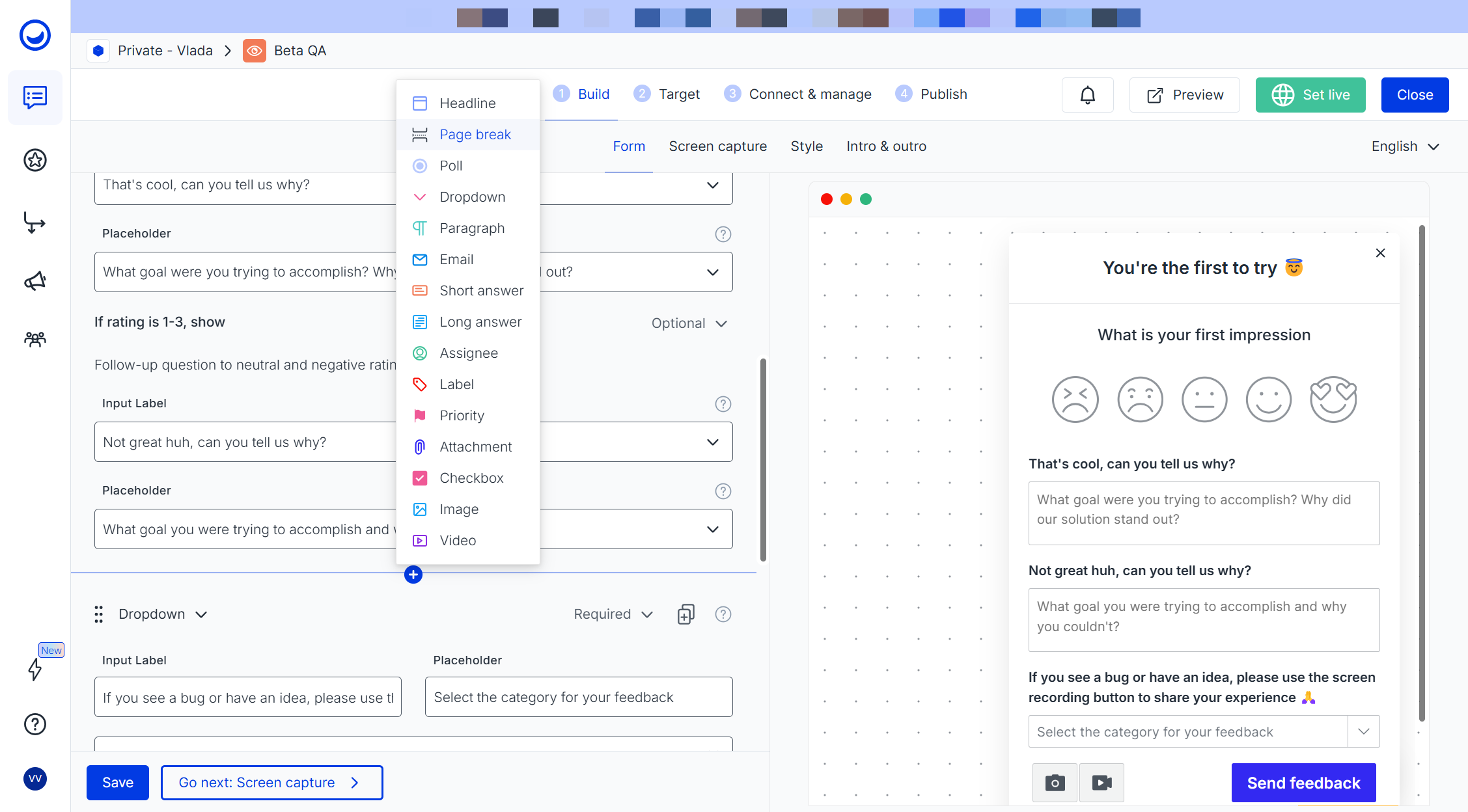
When you are ready to add the next survey page, open the dropdown of the survey elements and choose "Page break"
-
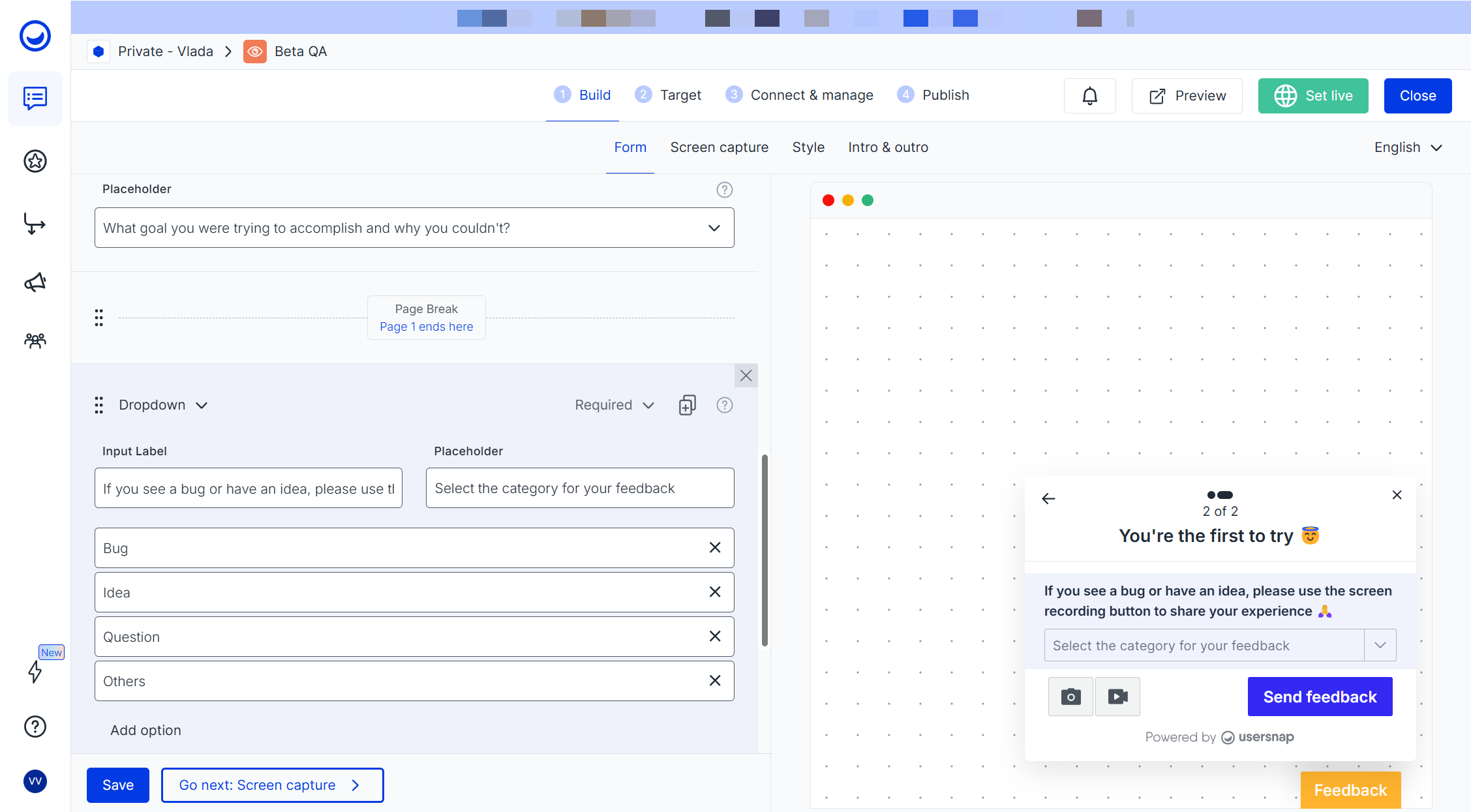
Now, all the elements located after the page break, will belong to the 2nd survey page:
-
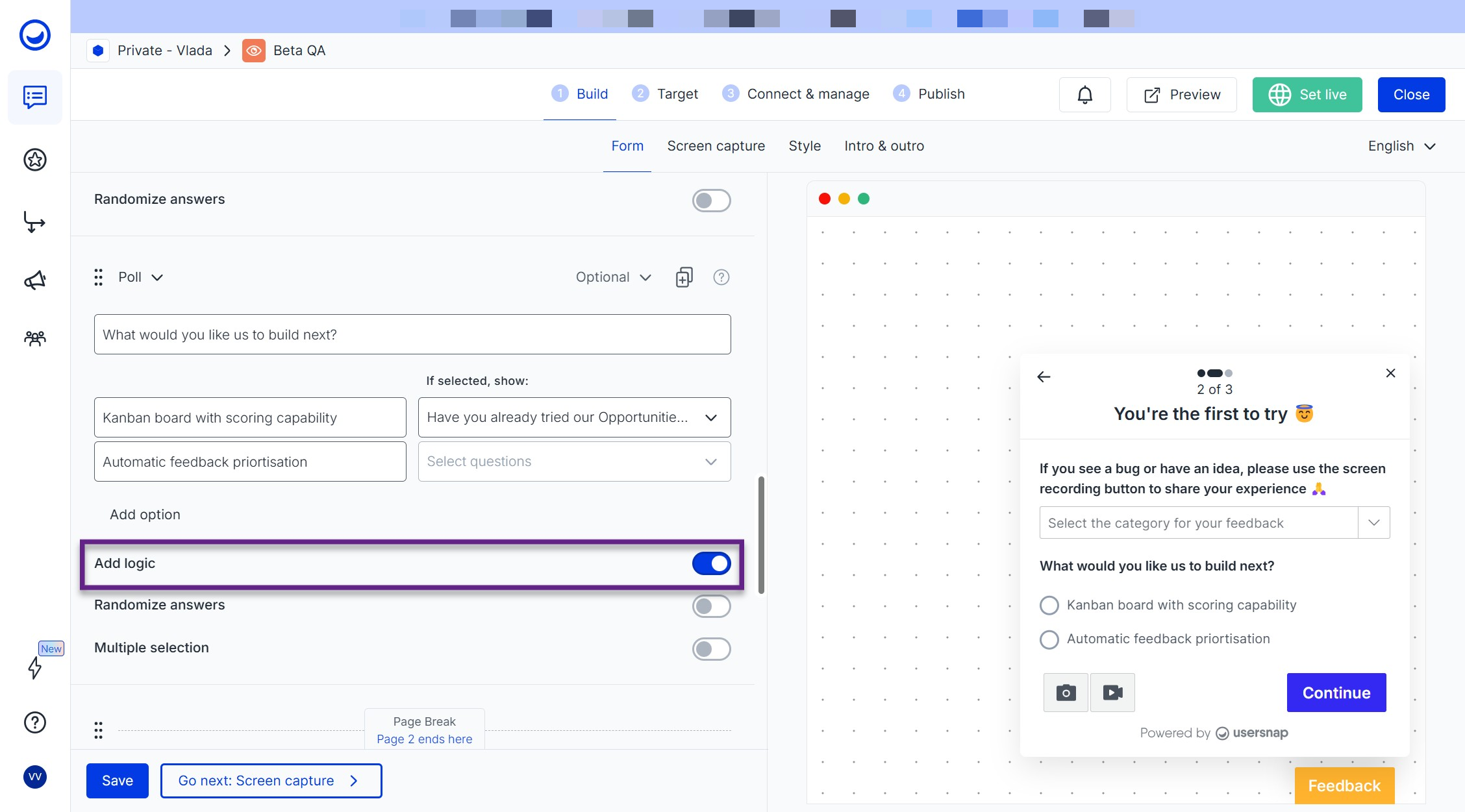
To add conditional logic to the multi-page survey, add a Poll element and toggle on “Add logic.” This allows you to route users to different pages, or end the survey entirely, depending on how they respond:
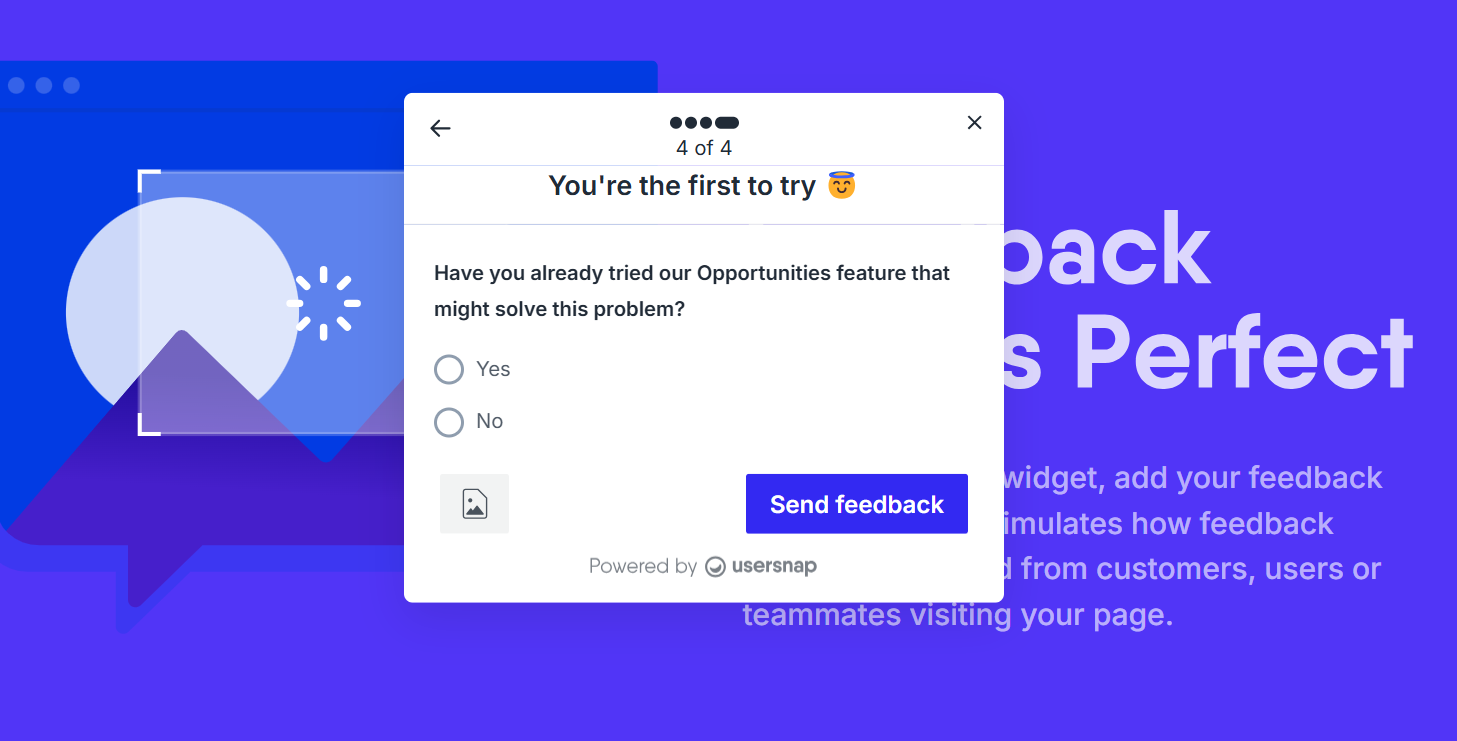
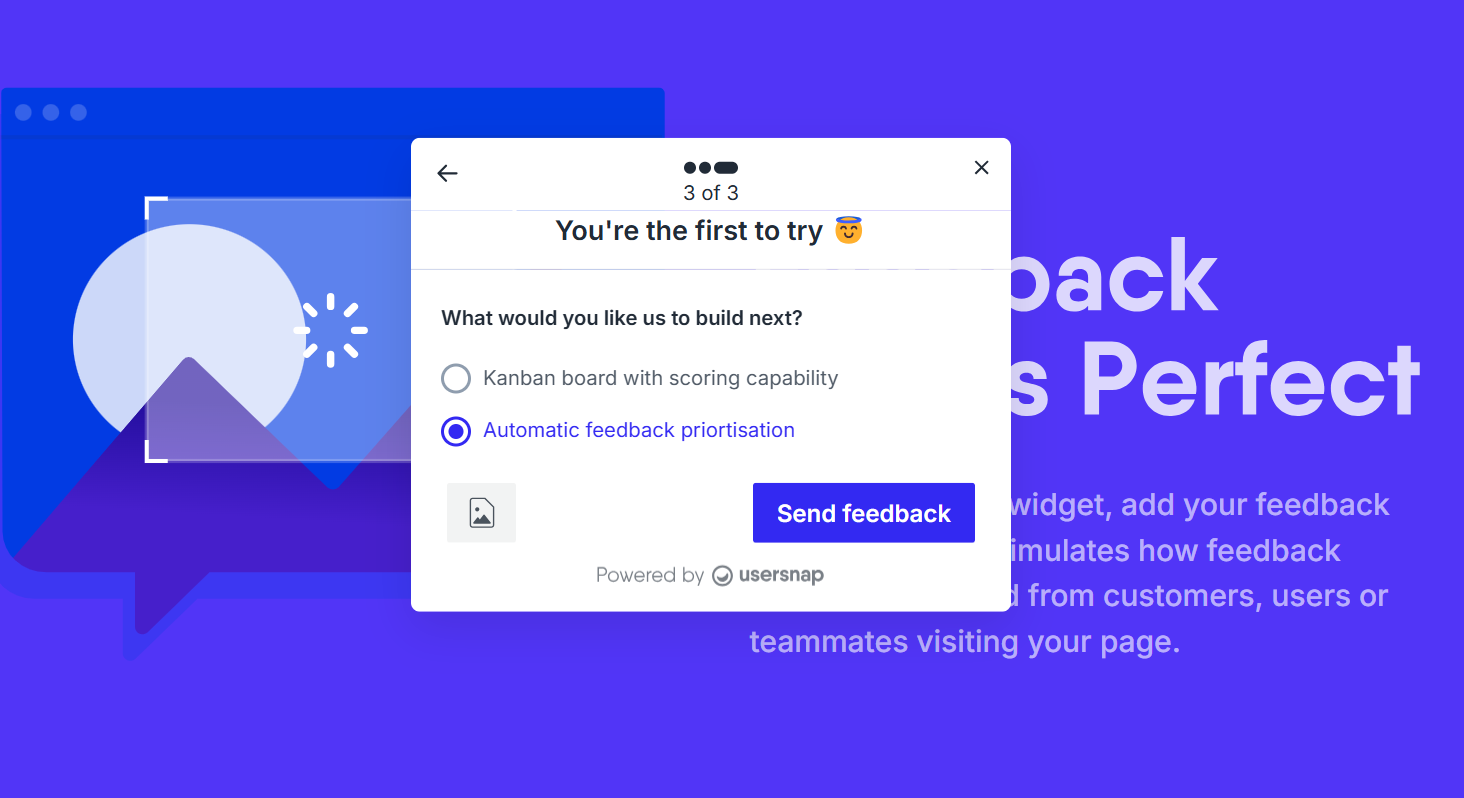
Here's how it looks like on production:
- A user chooses one of the options:
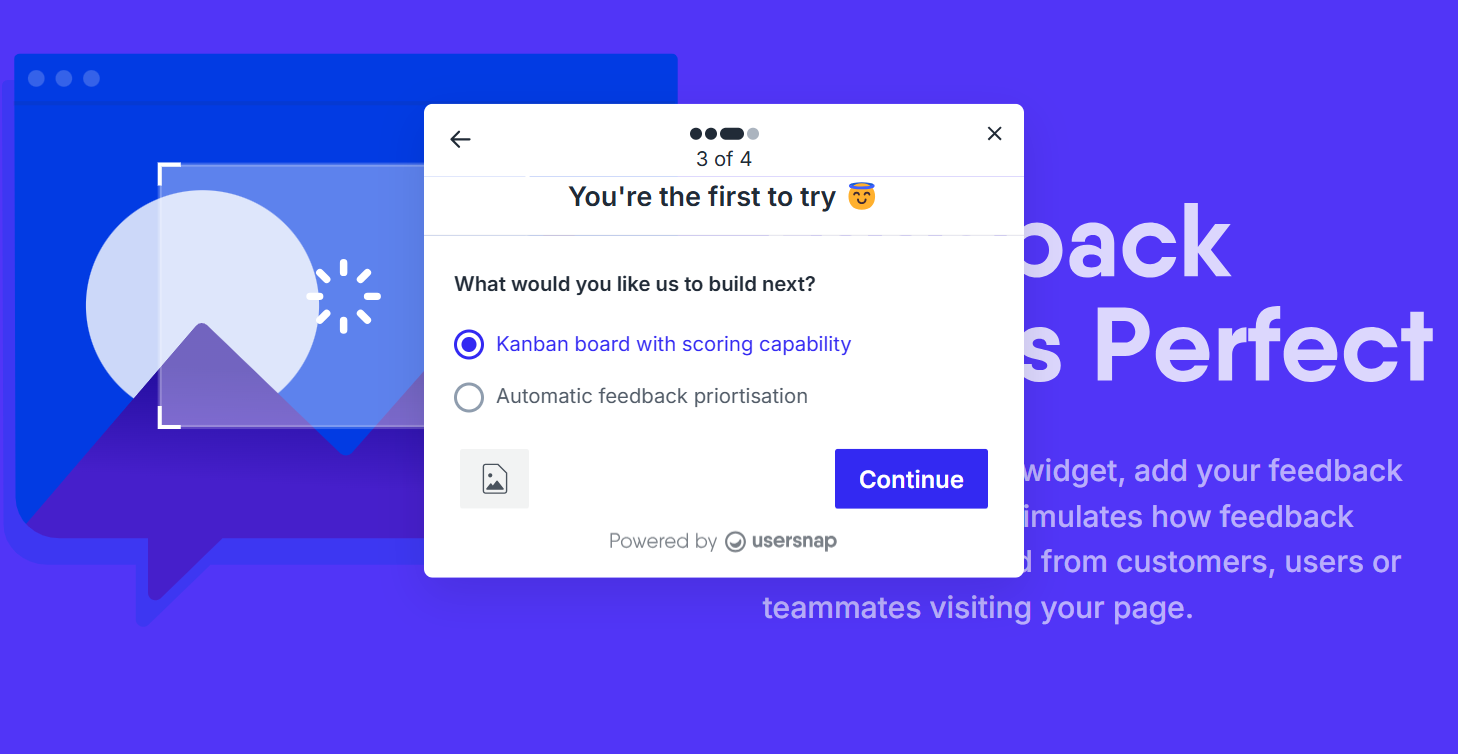
- Option 1 trigges a new question:
- Option 2 finishes the survey and prompts to send the feedback:
The survey page limit:Please note there is currently a 16 survey pages limit (or 15 page breaks).
Updated 5 months ago