
Installation on Cvent
To install Usersnap on a Cvent page, you can use the Code Widgets feature.
Step 1. Go to the "Configure" section of your project and find the "Publish" tab:
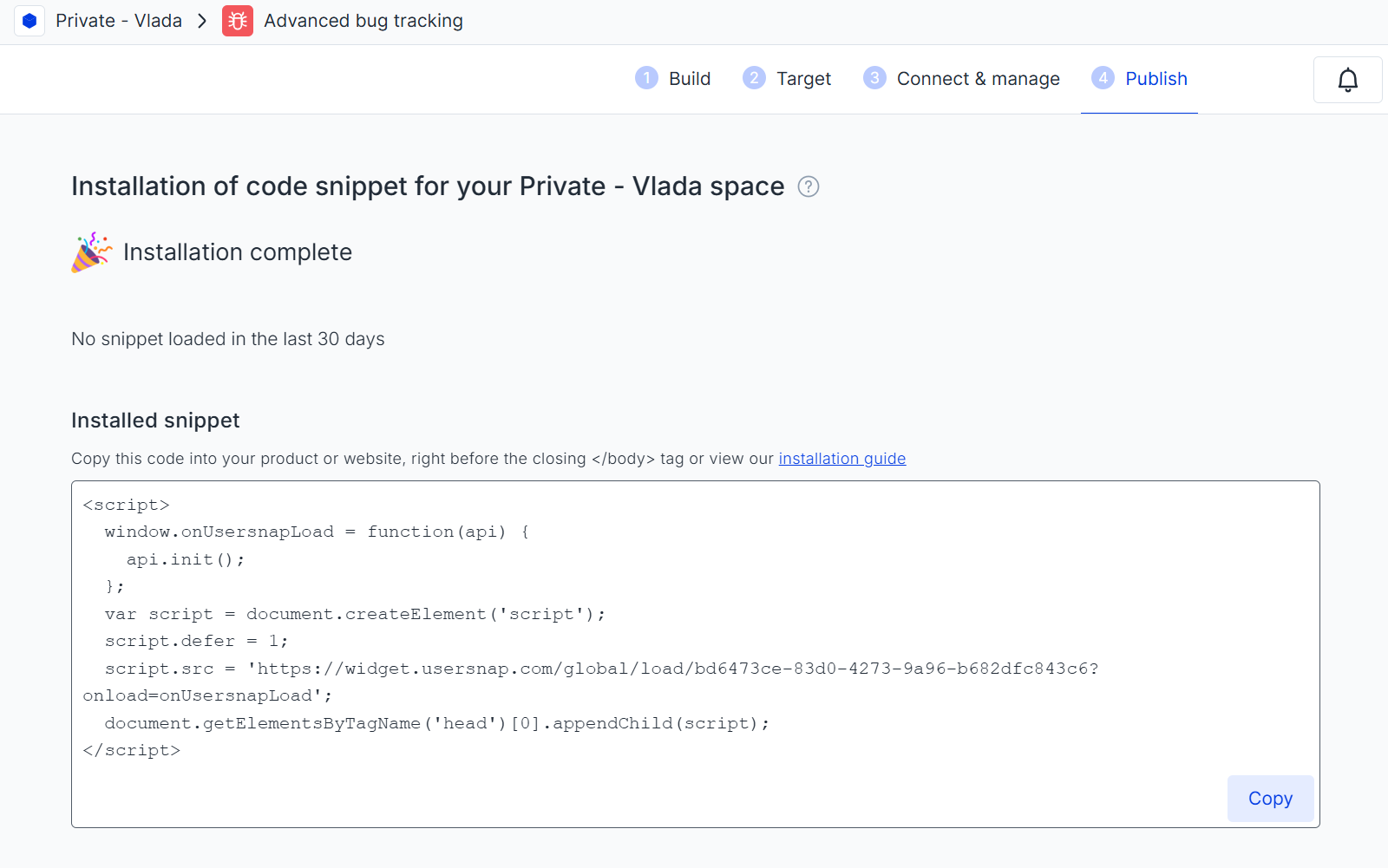
Step 2. Click on "Copy Code" to copy the Usersnap space (global) code snippet
Step 3. Add a code widget to your website and paste the snippet there. For mode details on how to add the code widget, please check this Cvent guide.
Code widgets limitationsPlease note that the Code Widgets feature has some limitations.
The widget might not always be displayed as expected (styling might be overriden by Cvent). Please don't hesitate to reach out to our Customer Success Team to help you troubleshoot the issue.
Screenshot limitationsOur standard rendering technology doesn't work in Cvent, so you can you use the native screenshot technology instead. Just add this small tweak to your snippet:
api.init({ nativeScreenshot: true });
Updated 8 months ago