
Alloy prototyping
Transform user insights to prototypes with Alloy
Usersnap creates a draft prompt from the feedback you collect. You can edit it and send it to Alloy, which instantly generates visual prototype concepts to support faster validation and decision-making in your product development lifecycle.
Here's how you can visualize solutions suggested by our Sentiment Sensor:
-
Analyze your feedback and generate a solution with the Usersnap's Sentiment Sensor.
-
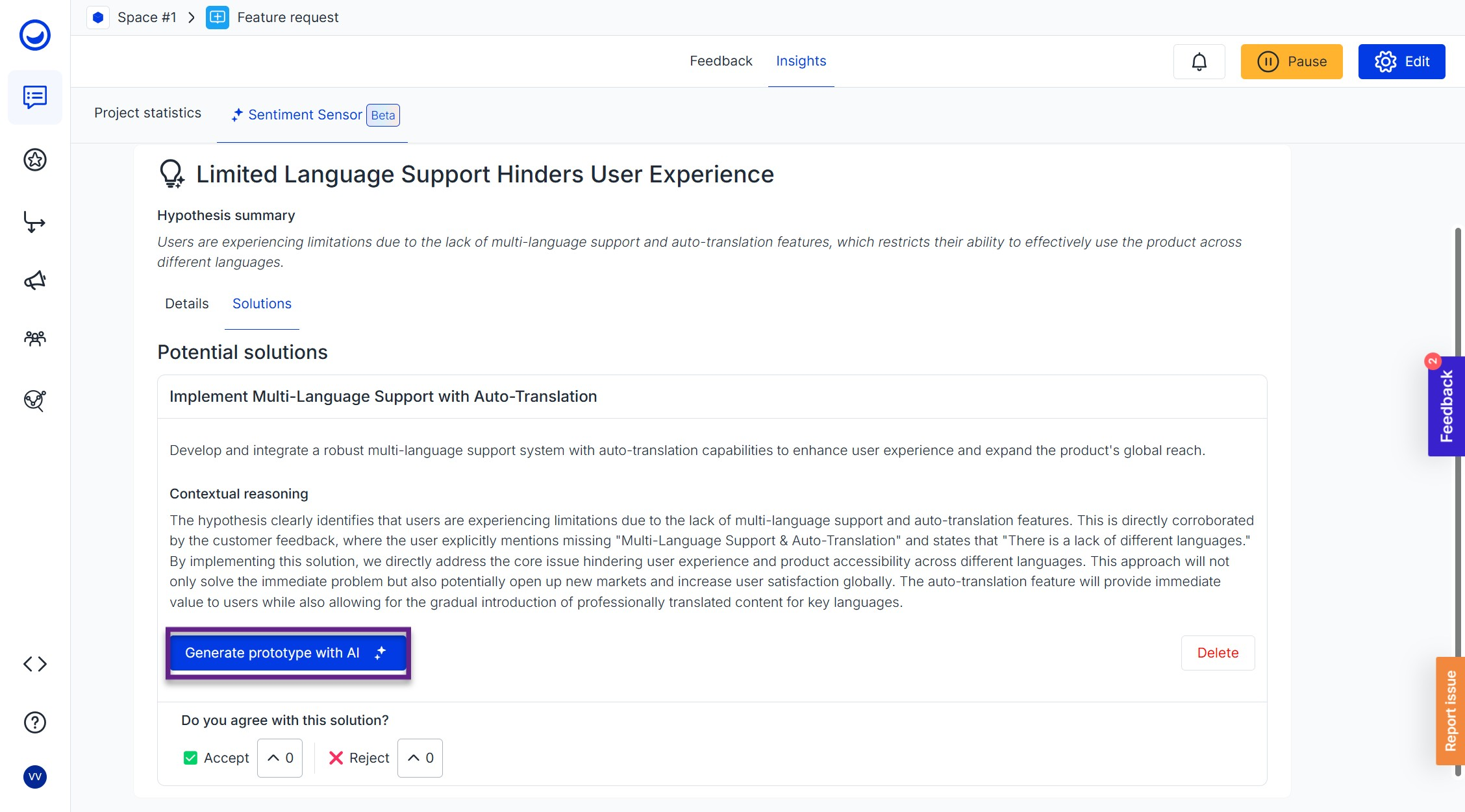
Click "More details" and find the "Generate prototype with AI" button:
-
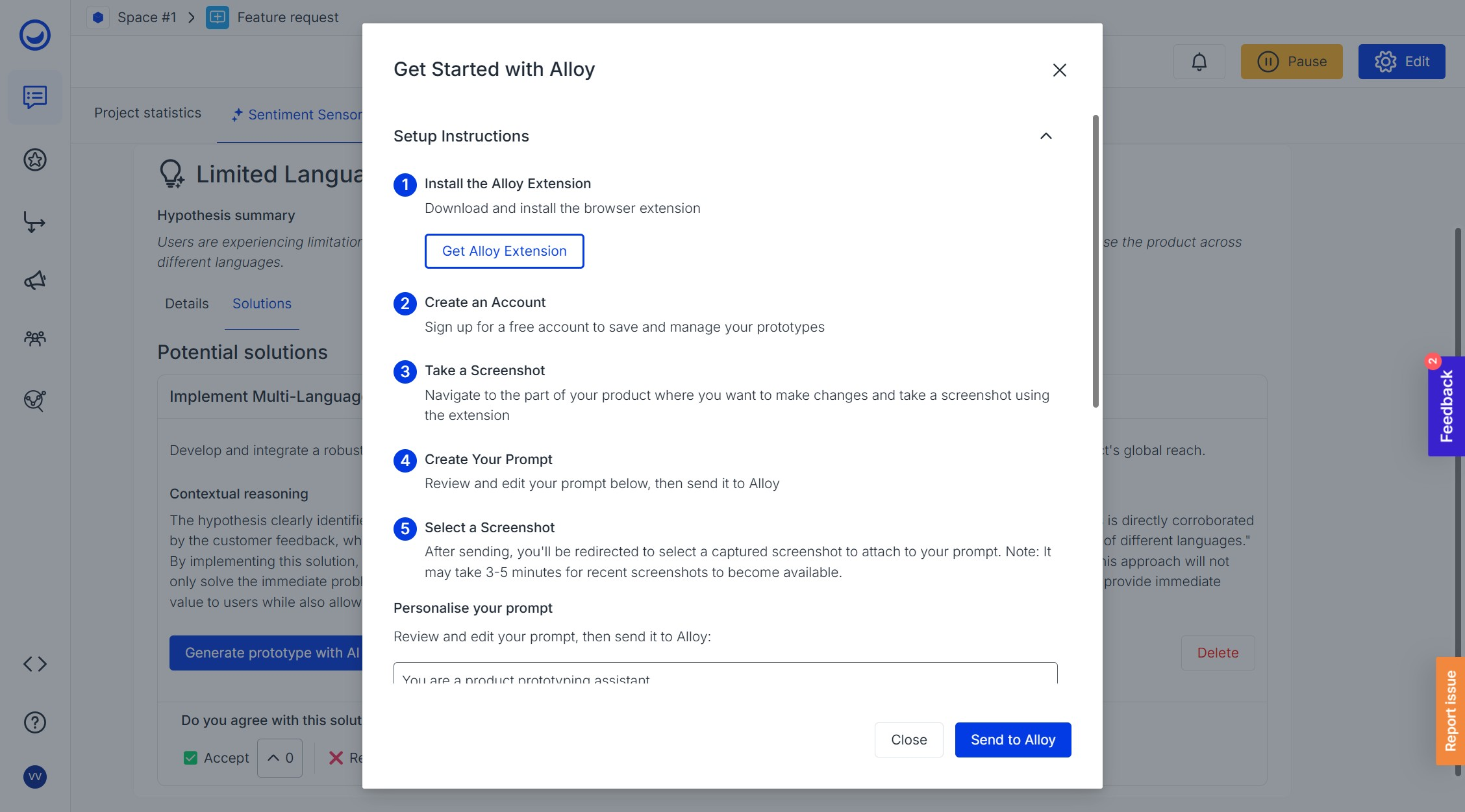
Follow the instructions to create your first prototype (you will need a free account with Alloy):
-
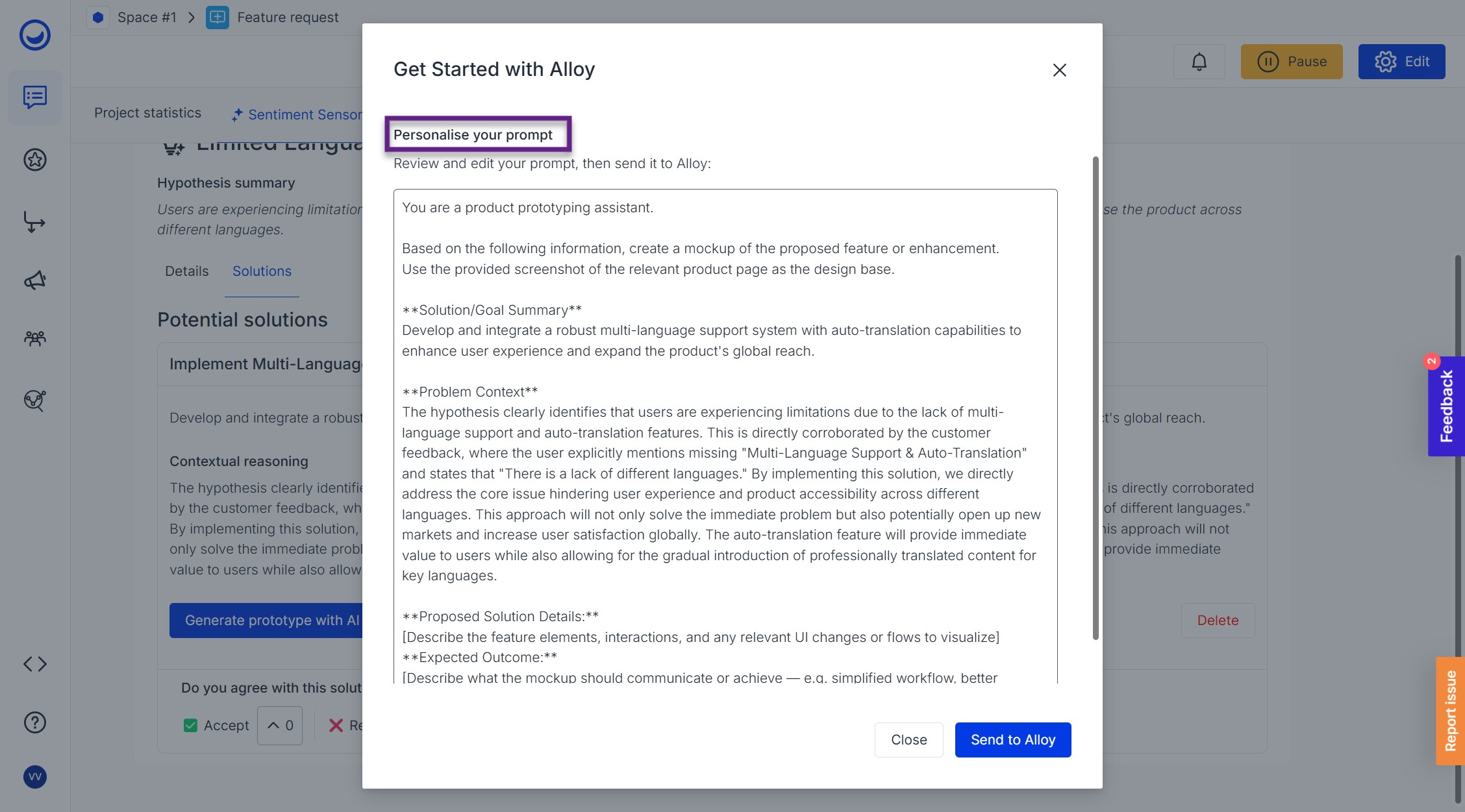
You can also personalise your prompt to better fit your vision:
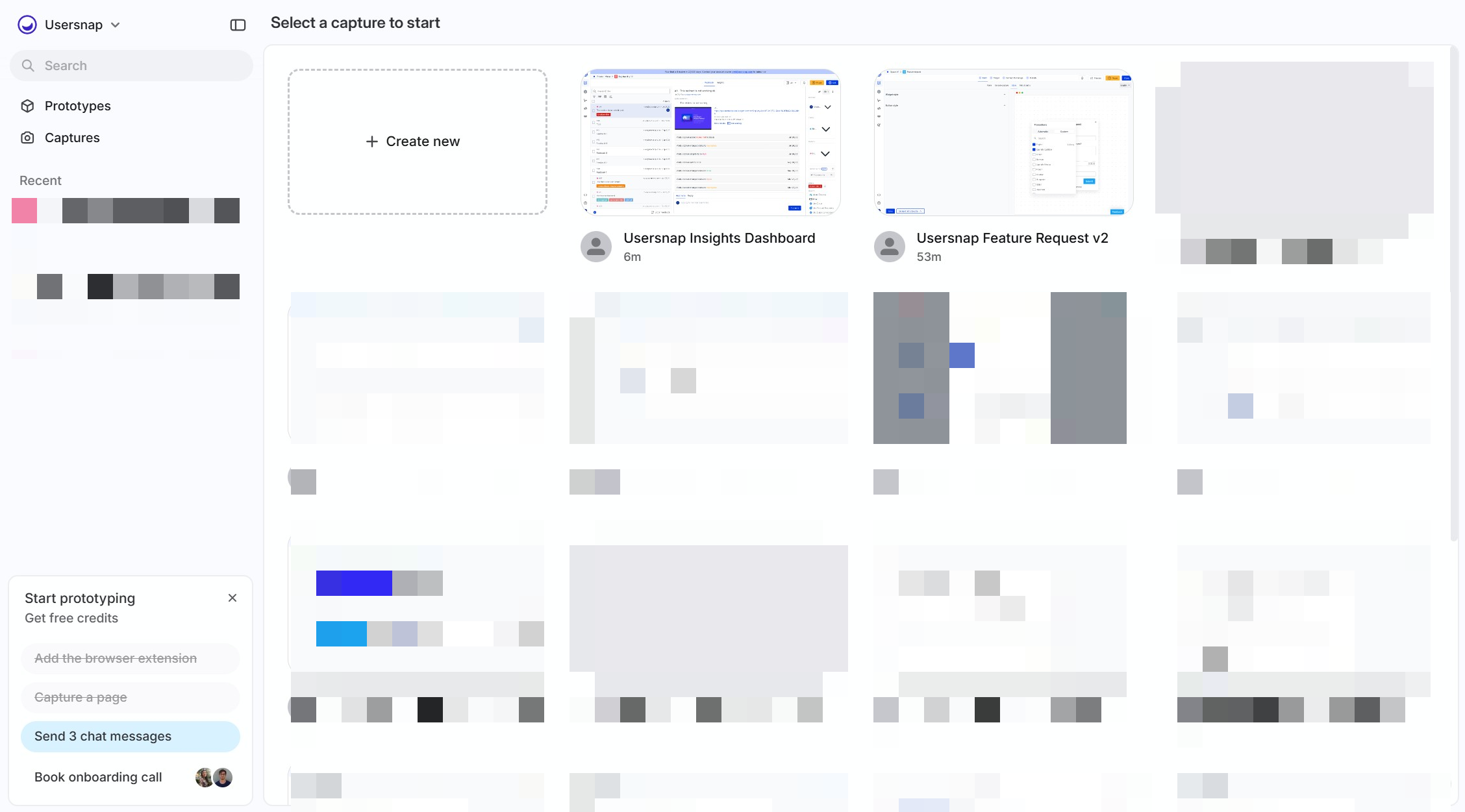
- Send the prompt to Alloy and choose the screenshot of the part of your product you would like to improve:
-
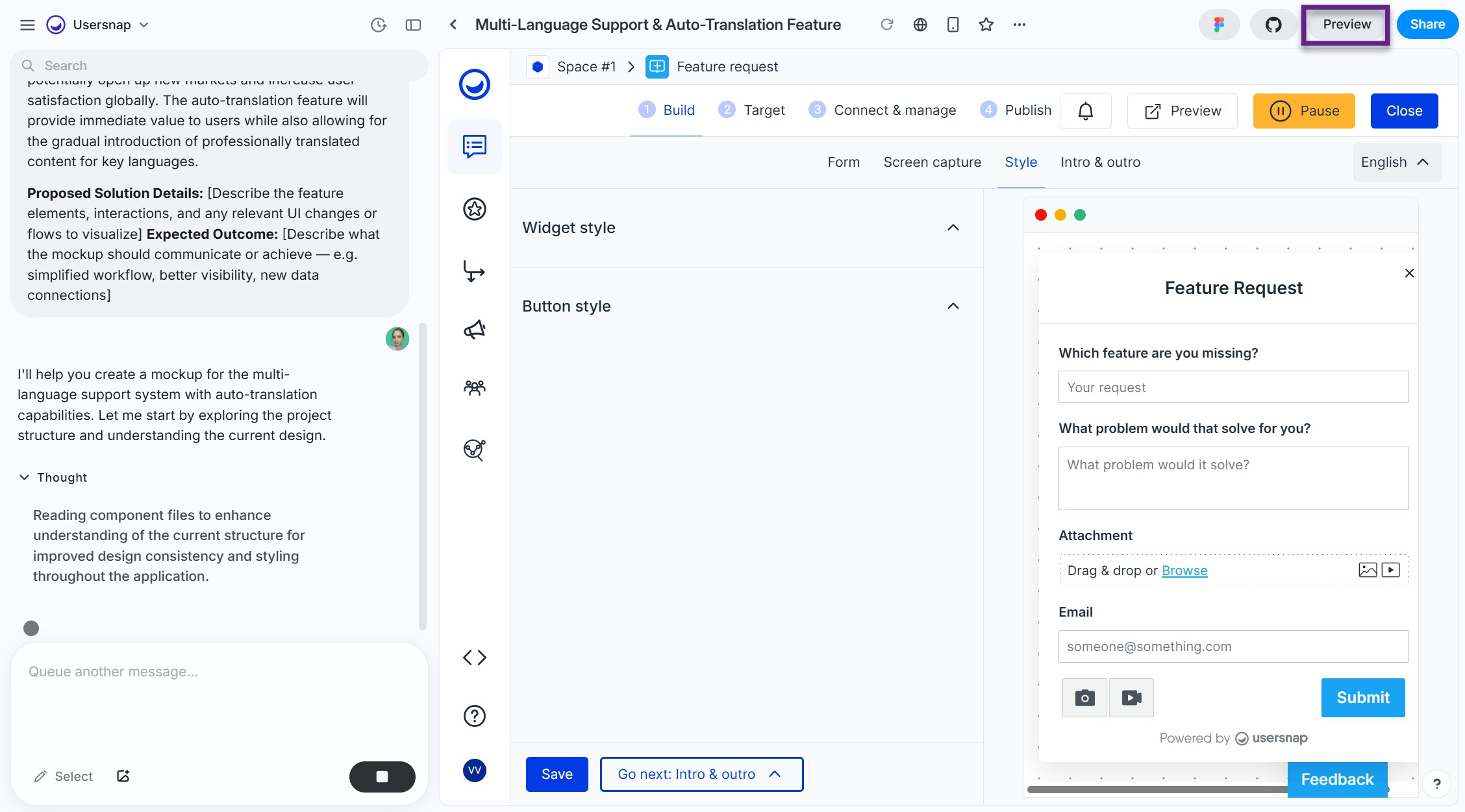
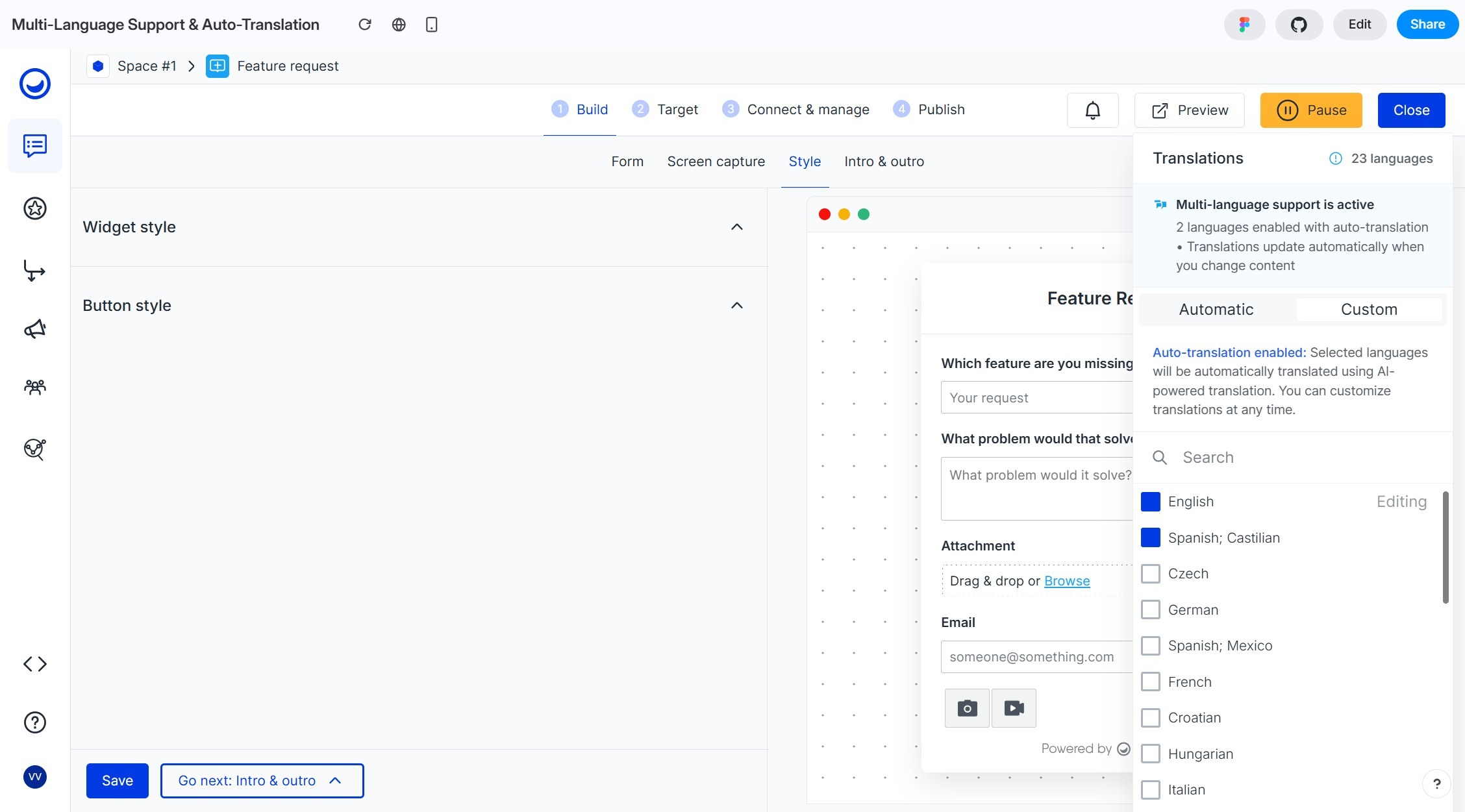
Wait a minute while the magic happens, then receive your prompt by clicking 'Preview' to visualize the solution.
Updated 10 months ago