---
updatedAt: 2025-05-07T22:06:33.000Z
agentTools:
projectIndex: https://help.usersnap.com/llms.txt
---
# Salesforce
## Connect Usersnap with Salesforce
**Here's how it works:**\
Go to your Usersnap project’s Integration tab and select Salesforce from the grid.
Simply sign in to your Salesforce account and allow the access.
Fill out the form accordingly and don't forget to save the settings.
A test feedback item can be sent right on the configuration page.\
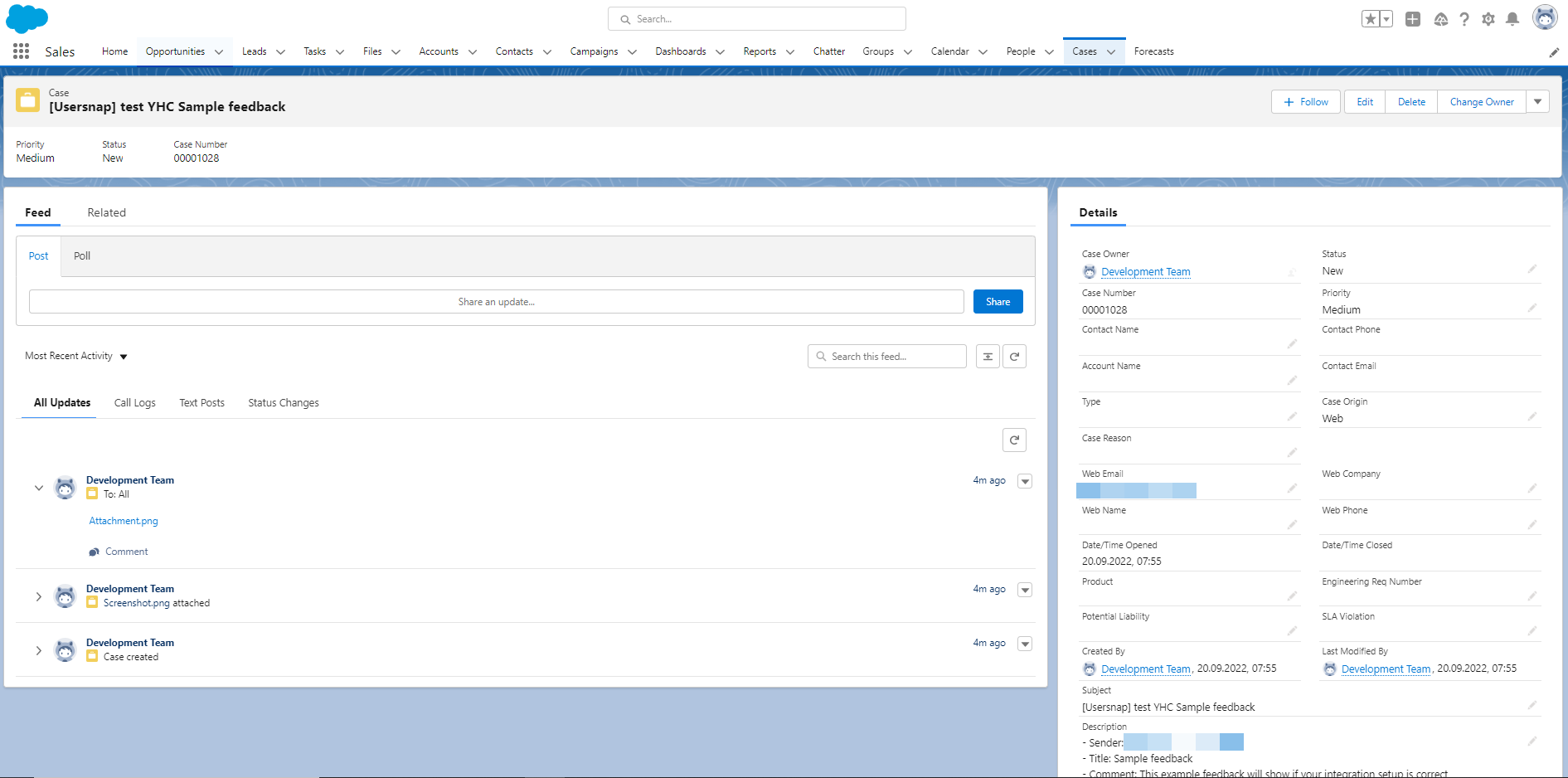
Now you can manage the items pushed to Salesforce directly.
> 📘 Attention:
>
> The Salesforce account's REST API must be enabled in order to connect to Usersnap.\
> You can find whether the edition of your Salesforce license has API access or not [here](https://help.salesforce.com/HTViewSolution?id=000005140\&language=en_US).