---
updatedAt: 2025-05-07T22:16:56.000Z
agentTools:
projectIndex: https://help.usersnap.com/llms.txt
---
# Email
## Connect Usersnap via email
Email is an easy way to deliver Usersnap feedback items to your inbox or to an external tool that supports email. Email is still a powerful solution to connect customer service solutions with email.
**Example ServiceNow:**\
Connect ServiceNow with Usersnap via Email. Whenever a user submits a feedback item via Usersnap it will be sent to ServiceNow via email. It creates a ticket there.
**Here's how it works**
Go to your Usersnap platform project’s Integration tab and select Email from the grid.
Simply sign in to your email address.
Fill out the form accordingly and don't forget to save the settings.
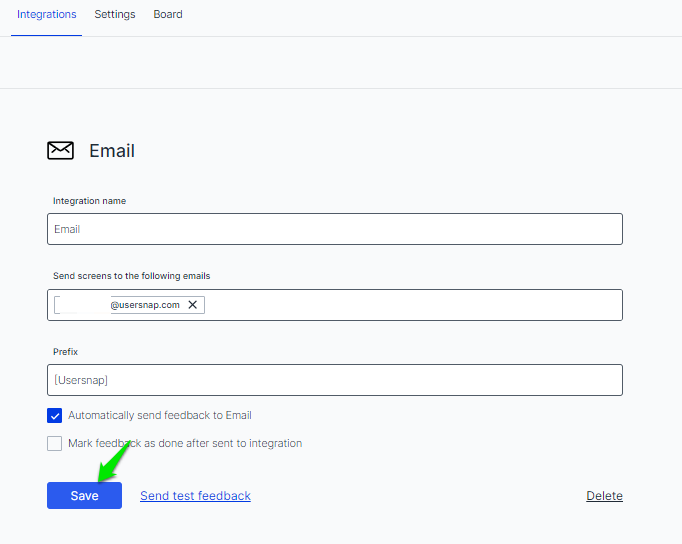
A test feedback item can be sent right on the configuration's page.
This is how it looks like in your email inbox.