---
updatedAt: 2025-05-07T22:15:33.000Z
agentTools:
projectIndex: https://help.usersnap.com/llms.txt
---
# Create a Usersnap Project
## Create a Platform Project
In your Usersnap dashboard, click on '*New Project*'.
Choose a project template:
* **Product testing** (Bug tracking, Quick issue reporting, UAT, and Beta test)
* **User research** (Visual feedback, Interview invitation, Customer effort, etc)
* **Roadmap planning** (Feature request, New feature poll, Feature satisfaction)
* **Customer engagement** (Product-market fit, Customer engagement, New feature announcement, etc)
* **Satisfaction rating** (Customer satisfaction, NPS for websites, Customer engagement, etc)
You can also preview the template before you choose it for your project:
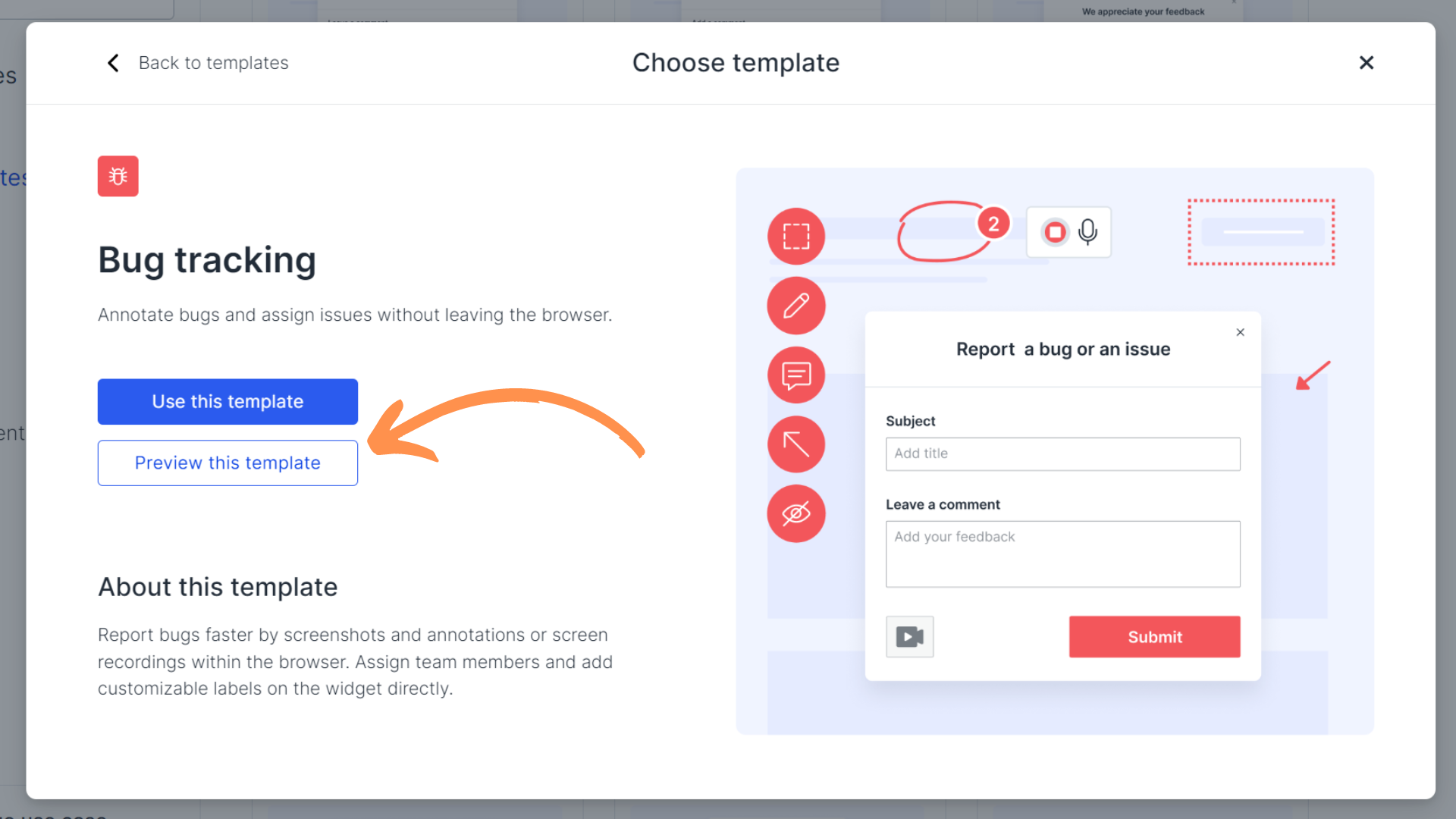
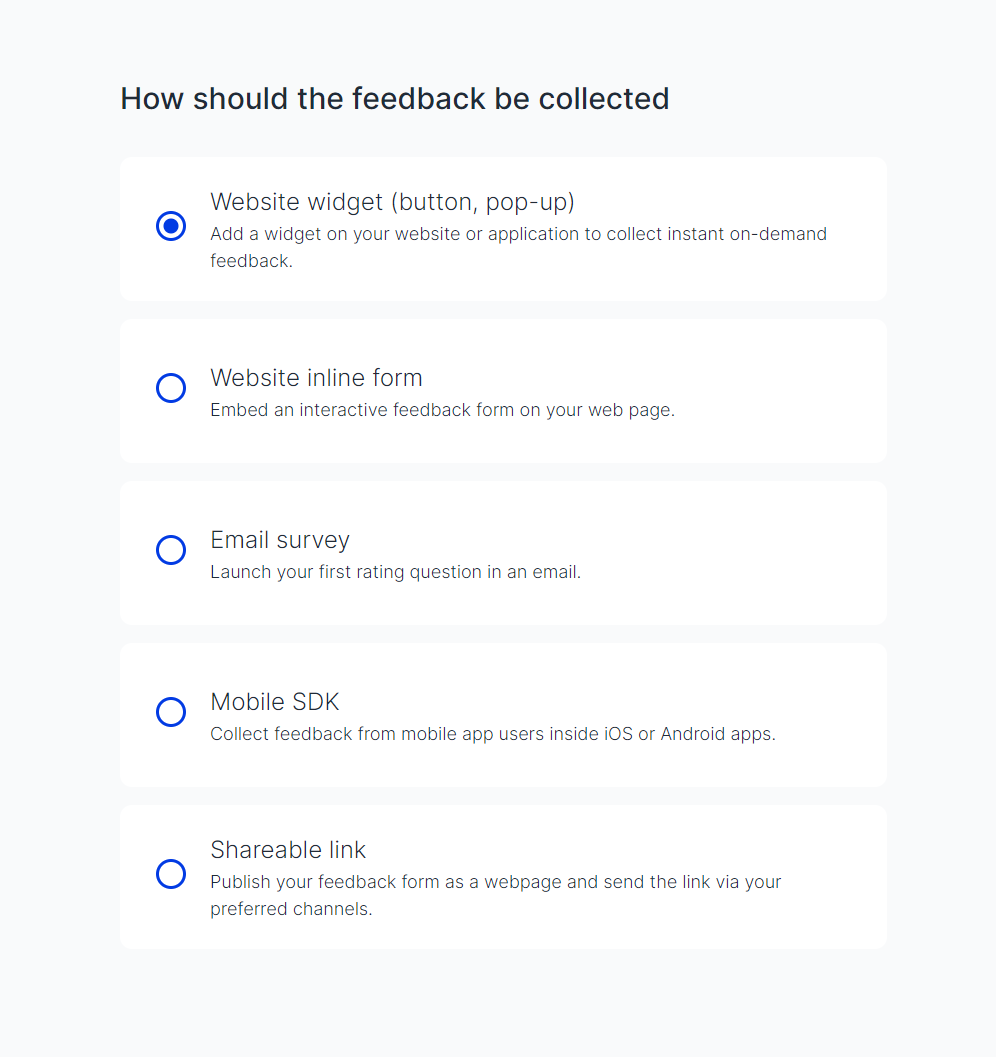
After that, choose how you would like the feedback to be collected. Please note that certain templates can only have one collection type.
## Name your project
Give your project a name and define where the widget shall appear (this can be changed later as well).\
If you'd like to restrict access to this project, please check the box below and hit "Done".
Now, you can proceed with the project's [configuration](https://help.usersnap.com/docs/usersnap-dashboard-management#what-do-you-need-for-your-daily-management-of-your-users-feedback) and other settings, such as the [integrations](https://help.usersnap.com/docs/3rd-party-integrations-customer-feedback-projects).
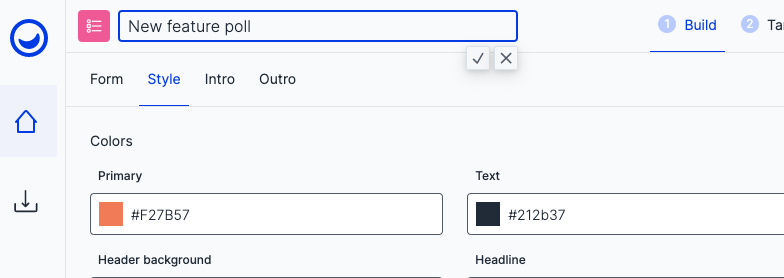
> 📘 How do I change a project's name?
>
> It’s possible to change the project name by clicking on it in the project configuration
## Usersnap widgets work on Desktops, Laptops, Tablets and Mobile Phones
Your feedback widgets will work on the browsers on (almost ;) all of your users' devices. Collect user feedback not only on desktop screen sizes but also on tablet and mobile phones. [More information about this topic](https://help.usersnap.com/docs/usersnap-widgets-also-work-on-mobile-devices)
{`